Meta Conversions API Setup: A Practical CAPI Guide
On this page
- Why does the Meta Pixel miss conversions?
- What is the Meta Conversions API, and how does it compare with the Pixel?
- What about Google enhanced conversions?
- Which events should you send first?
- Example: a one-page event specification
- How do you set up the Meta Conversions API step by step?
- Example: a simplified server event
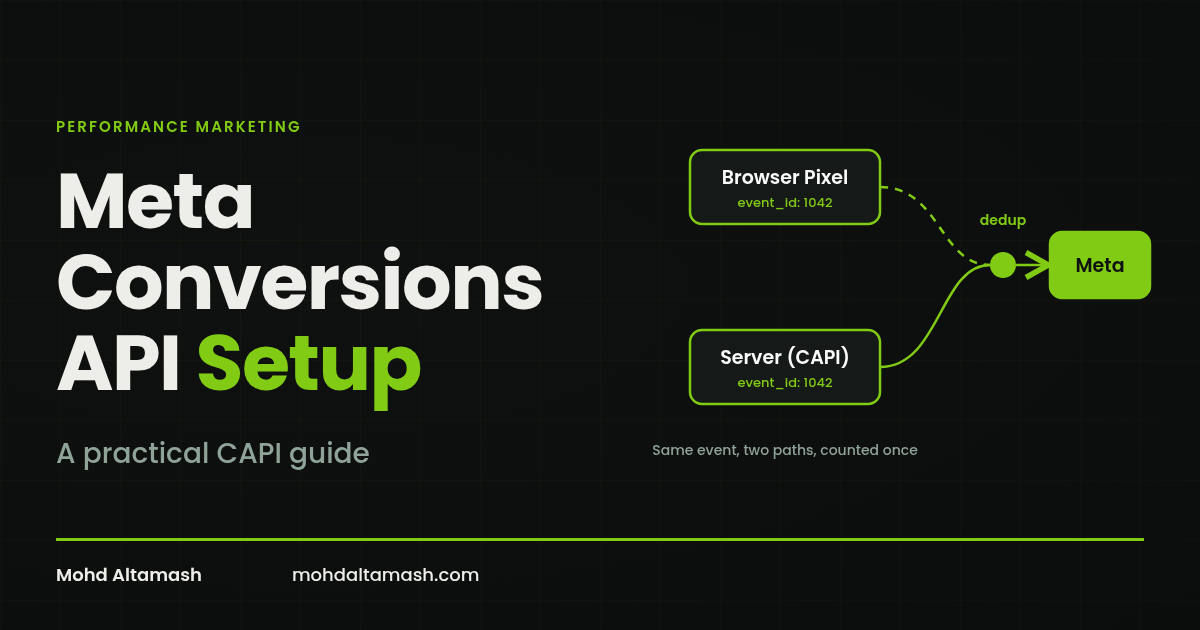
- How does Meta Conversions API deduplication work?
- How do you check and improve Event Match Quality?
- Example: normalising before hashing
- Is consent optional with server-side tracking?
- What can better signal not solve?
- What are the most common Meta CAPI setup mistakes?
- Key takeaways
- FAQ
- Need a second look at your tracking?
Key takeaway
A Meta Conversions API setup sends conversion events from your server directly to Meta, so you recover signal the browser Pixel misses because of tracking prevention, ad blockers, network errors and consent choices. Run it alongside the Pixel, send the event closest to revenue, share one event ID between the Pixel and the server so Meta can deduplicate, and check Event Match Quality regularly.
The goal is better measurement, not perfect attribution. In 16+ years of managing paid media, including ₹750 Crore+ in ad spend across 100+ brands, I have seen clean conversion data matter more than almost any bidding tweak. But server-side tracking is not a way around privacy choices, and more signal does not prove which ad caused a sale.
Why does the Meta Pixel miss conversions?#
The Pixel runs in the visitor's browser. That made it reliable when browsers were permissive. Several changes have made it less so:
Browser tracking prevention. Safari introduced Intelligent Tracking Prevention in 2017, and Firefox turned on Enhanced Tracking Protection by default in 2019. Both limit cookies and cross-site tracking.
App Tracking Transparency. Apple began requiring apps to ask permission before tracking users across other companies' apps and websites with iOS 14.5 in 2021.
Ad and script blockers, which can stop the Pixel loading at all.
Network and page-load errors. Meta's own best-practice guide notes that the Pixel can lose events because of connectivity issues or page loading errors.
Consent choices under laws such as the EU's GDPR and India's Digital Personal Data Protection Act, 2023.
Chrome's plans have shifted too. Google kept third-party cookie choice in Chrome and, in October 2025, retired most Privacy Sandbox technologies. That is a good reason not to build measurement around any single browser's policy.
What is the Meta Conversions API, and how does it compare with the Pixel?#
The Conversions API (often called CAPI, or the Facebook Conversion API) sends events from your server, or a partner platform, directly to Meta. It does not replace the Pixel. Meta recommends a redundant setup: send the same key events through both the Pixel and the Conversions API, then deduplicate them.
Meta PixelConversions APIWhere it runsVisitor's browserYour server or a partner platformAffected by blockers and browser limitsYesFar less, because it does not depend on the browserCan send offline or later events (CRM, store, qualified leads)NoYesNeeds deduplication when used togetherYes, with a shared event IDYes, with a shared event ID
What about Google enhanced conversions?#
If you also run Google Ads, the equivalent is enhanced conversions. It supplements your Google Ads conversion tags with first-party data, such as an email address, which is hashed before it is sent and matched to signed-in Google accounts. In 2026 Google combined enhanced conversions for web and for leads into a single on/off setting that accepts data from tags, Data Manager and API connections at the same time, and moved offline and leads uploads to the Data Manager API from 15 June 2026.
The two products are different. Do not copy Meta's field names or rules into Google Ads.
Which events should you send first?#
Send the event closest to revenue that you can report accurately and lawfully. Ad platforms optimise towards the signals you give them, so shallow events produce shallow optimisation.
Ecommerce: Purchase, with accurate value and currency. Add to cart and checkout are supporting signals.
Lead generation: go beyond form fills. Send qualified leads or closed deals from your CRM, so the system learns which leads become customers.
Subscriptions and apps: prioritise paid conversions or meaningful activation over installs or sign-ups.
Example: a one-page event specification#
Before building, write a short specification for each event. For a Purchase event it might look like this:
FieldExampleMeaningA completed, paid orderTriggerOrder confirmation, after payment succeedsEvent IDThe order number, e.g. ORD-10482TimingSent within minutes of paymentValue and currencyOrder total excluding tax, in INRCustomer dataEmail and phone, only with consentEdge casesRefunds, cancellations and test orders excluded or adjusted
A small set of clean, high-value events beats dozens of minor ones.
How do you set up the Meta Conversions API step by step?#
Audit your current Pixel. List which events fire, where and with what parameters. Fix broken or duplicate events first.
Choose an implementation route. Options include partner integrations in ecommerce platforms and CMSs, Meta's Conversions API Gateway, a server-side Google Tag Manager container, or a direct integration. Pick the simplest route that supports the events you need, and keep access tokens out of browser code.
Map events and parameters. Use the same event names in browser and server, such as
PurchaseandLead, with value, currency and content details.Send customer information correctly. Where you have consent, include details such as email and phone, normalised and hashed with SHA-256. Pass the browser and click IDs (
fbp,fbc), IP address and user agent unhashed, as Meta's server event parameter documentation describes.Share one event ID. Create one unique ID per conversion, such as the order number, and send it with both the Pixel and the server event. Keep it the same on retries.
Send events promptly. Meta's documentation says
event_timecan be up to 7 days before you send the event; if any event in a request is older than that, the whole request is rejected.Test, then monitor. Use Test Events in Events Manager before launch. Then check diagnostics, volumes and match quality weekly at first.
Example: a simplified server event#
This shows the shape of a Purchase event sent through the Conversions API. Hashed values are shortened for readability.
{
  "data": [
    {
      "event_name": "Purchase",
      "event_time": 1793260800,
      "event_id": "ORD-10482",
      "action_source": "website",
      "event_source_url": "https://example.com/checkout/thank-you",
      "user_data": {
        "em": ["7b17fb0bd173f625b58636fb796407c2..."],
        "ph": ["c775e7b757ede630cd0aa1113bd102661..."],
        "client_ip_address": "203.0.113.10",
        "client_user_agent": "Mozilla/5.0 ...",
        "fbp": "fb.1.1793260000000.1234567890",
        "fbc": "fb.1.1793260000000.AbCdEf123"
      },
      "custom_data": {
        "value": 2499.00,
        "currency": "INR"
      }
    }
  ]
}
The browser Pixel would fire Purchase with the same eventID of ORD-10482. That shared pair is what makes deduplication work.
How does Meta Conversions API deduplication work?#
If the Pixel and the server both report the same purchase and Meta cannot tell, it counts twice. That inflates results and misleads the algorithm.
Meta's deduplication guide recommends matching the event name and the event ID across browser and server events. The Pixel's eventID (the fourth argument in the fbq('track', ...) call) must equal the server's event_id. According to Meta's server event parameters, matching events received within 48 hours of each other are deduplicated, and when a browser and server event arrive within about five minutes of each other, Meta favours the browser event.
After launch, compare Meta-reported purchases with your actual orders. If Meta reports noticeably more, check deduplication first.
How do you check and improve Event Match Quality?#
Event Match Quality (EMQ) is a score in Events Manager for website events sent through the Conversions API. It shows how effective the customer information you send is at matching events to Meta accounts. To improve it:
Send more of the customer information you legitimately hold.
Pass browser and click identifiers from the session to the server.
Fix formatting before hashing.
Example: normalising before hashing#
FieldRaw inputNormalised, before SHA-256Email[email protected]@example.comPhone (India)+91 98765 43210919876543210
Never pad events with guessed or fake data to raise the score. Treat EMQ as implementation feedback, not a measure of sales.
Is consent optional with server-side tracking?#
No. Server-side tracking changes how data is sent, not whether you may send it. Share customer data only with valid consent or another legal basis, disclose it in your privacy policy, and send only what you need.
If you advertise in the European Economic Area, Google requires consent mode v2 signals for ad personalisation and measurement. Indian brands should take legal advice on how the DPDP Act, 2023 and its rules apply to their tracking.
What can better signal not solve?#
It cannot turn attribution into proof of impact. A 2019 Marketing Science study by Gordon and colleagues found that observational ad measurement methods often failed to match the results of large randomised experiments on Facebook.
Here is how I use the numbers in practice:
Use platform numbers for day-to-day decisions.
Compare them with backend revenue, after aligning attribution windows and time zones.
Use holdout or lift tests for big budget calls.
Clean events also help automated campaigns learn from the right outcomes. For more on what to hand to automation and what to keep human, see my guide to AI in performance marketing. If you are thinking about putting AI agents on reporting or anomaly checks, start with AI agents for marketing. And for the longer view, I wrote about what superintelligence means for marketers. Either way, any optimiser learns only from the data it receives.
What are the most common Meta CAPI setup mistakes?#
Missing or mismatched event IDs, which cause double counting.
Purchases without value or currency, which leave value-based bidding guessing.
Optimising for form fills when CRM data on qualified leads is available.
Hashing the wrong fields, such as click IDs or IP addresses, or sending email and phone unhashed.
Setting up once and never checking again. Checkout changes, new forms, consent banner updates and tag edits can all break events silently.
Treating platform numbers as final instead of reconciling them with backend revenue.
Name one owner for tracking. Re-test whenever checkout, forms, consent settings or tags change.
Key takeaways#
The Pixel misses conversions because of tracking prevention, ATT, blockers, network errors and consent.
Meta CAPI and Google enhanced conversions restore signal with server-side and hashed first-party data.
Run CAPI alongside the Pixel and send the event closest to revenue, with accurate value and currency.
Deduplicate with a matching event name and a unique, shared event ID.
Improve Event Match Quality with real, well-formatted data, and respect consent.
Need a second look at your tracking?#
If your Meta or Google numbers don't match your backend revenue, start with the checks above. I also work with brands as a digital marketing consultant on tracking, paid media and automation.
Sources#
Meta for Developers, Conversions API.
Meta for Developers, Conversions API best practices (redundant setup).
Meta for Developers, Handling duplicate Pixel and Conversions API events.
Meta for Developers, Server event parameters (48-hour deduplication window, 5-minute browser preference, 7-day event_time limit).
Meta Business Help Center, About Event Match Quality.
Google Ads Help, About enhanced conversions.
Google Ads Help, Updates to your enhanced conversions settings.
Google Ads Help, Updates to consent mode for traffic in the European Economic Area.
Google, Update on plans for Privacy Sandbox technologies, 17 October 2025.
WebKit, Intelligent Tracking Prevention, 2017.
Mozilla, Firefox now available with Enhanced Tracking Protection by default, 2019.
Apple Developer, Upcoming AppTrackingTransparency requirements, 2021.
Gordon, Zettelmeyer, Bhargava and Chapsky, A Comparison of Approaches to Advertising Measurement: Evidence from Big Field Experiments at Facebook, Marketing Science, 2019.
Frequently asked questions
Yes, in most cases. Meta recommends a redundant setup: the same events sent through the Pixel and the Conversions API, deduplicated with a shared event ID. The Pixel captures browser context, and the server fills the gaps the Pixel misses.
The Pixel sends events from the visitor's browser. The Conversions API sends them from your server or a partner platform, so it is less affected by blockers and browser limits and can also send offline or later events, such as qualified leads from a CRM.
It depends on the route. A partner integration in an ecommerce platform can be quick to switch on. A direct or server-side Google Tag Manager integration takes longer, because you must map events, pass identifiers and test deduplication.
No. It works for lead generation, subscriptions, offline sales and more. For lead-based businesses, sending qualified-lead or closed-deal events from a CRM is often the most valuable step.
Higher is better, and Events Manager shows suggestions for improvement. Rather than chasing a number, add the legitimate customer parameters you are missing and fix any formatting errors Meta flags.
No. Hash personal details such as email and phone with SHA-256 after normalising them. Send IP address, user agent, fbp and fbc unhashed, as Meta's parameter documentation specifies.
No. It recovers part of the lost signal, but consent choices, cross-device journeys and modelled reporting still leave gaps. Combine it with backend revenue checks and, where budgets allow, incrementality tests.
Related posts
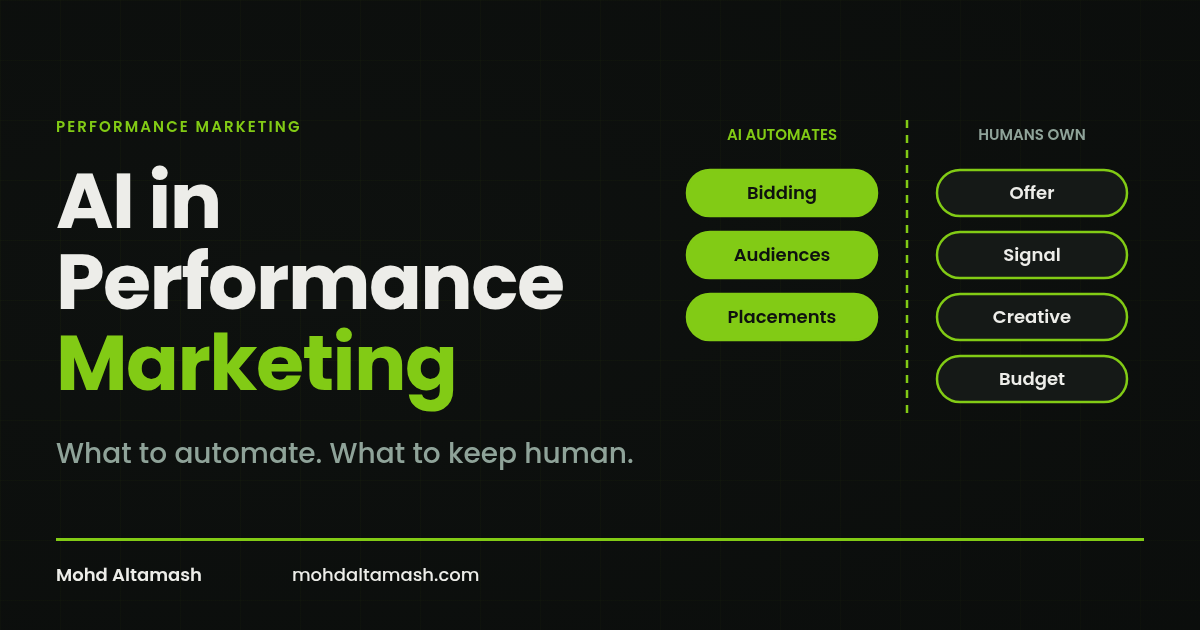
AI in Performance Marketing: What to Automate and What to Keep Human
Let AI run bidding, audiences and placements. Keep people on the offer, conversion signal, creative and budget. A practical split for Meta and Google ads.
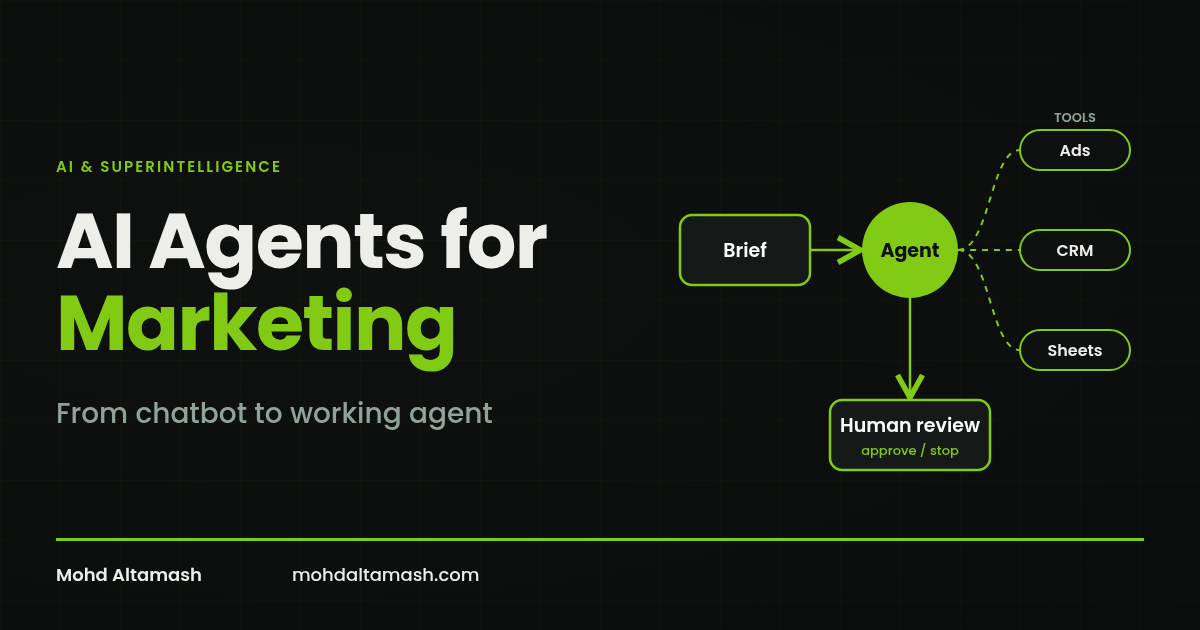
AI Agents for Marketing: A Practical Guide to AI Marketing Agents
What AI marketing agents are, how they differ from chatbots, where they help today, what they still get wrong, and how to deploy your first one safely.
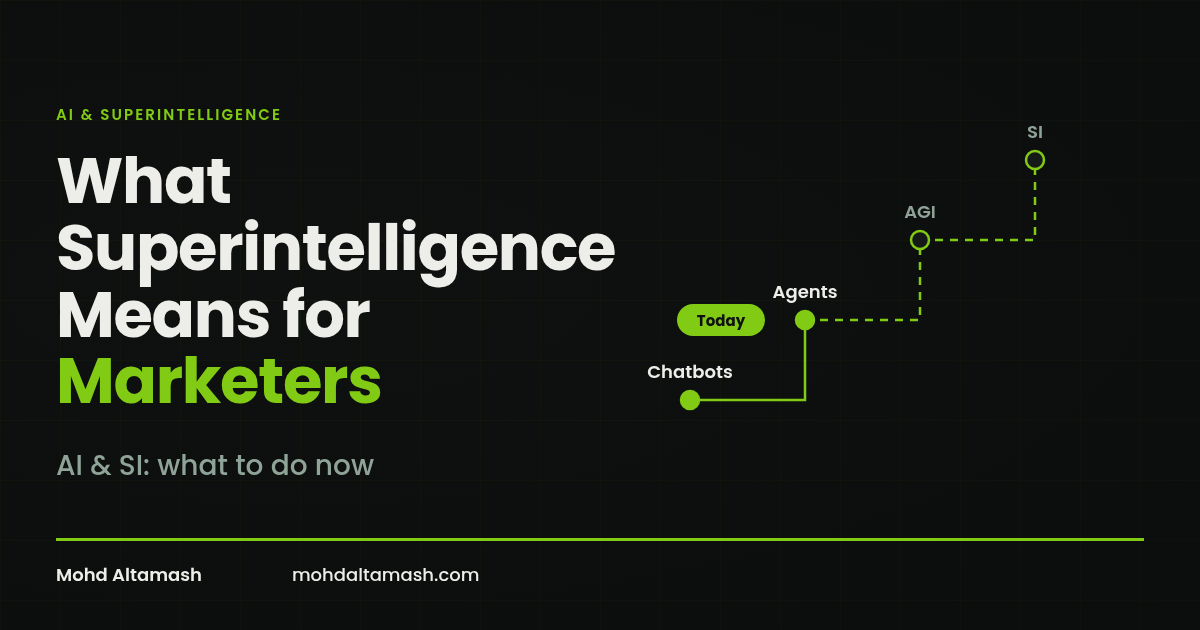
What Superintelligence Means for Marketers (and What to Do Now)
Superintelligence doesn't exist yet. Here's what it means, where experts stand, and the practical steps marketers should take with today's AI.